About the Game
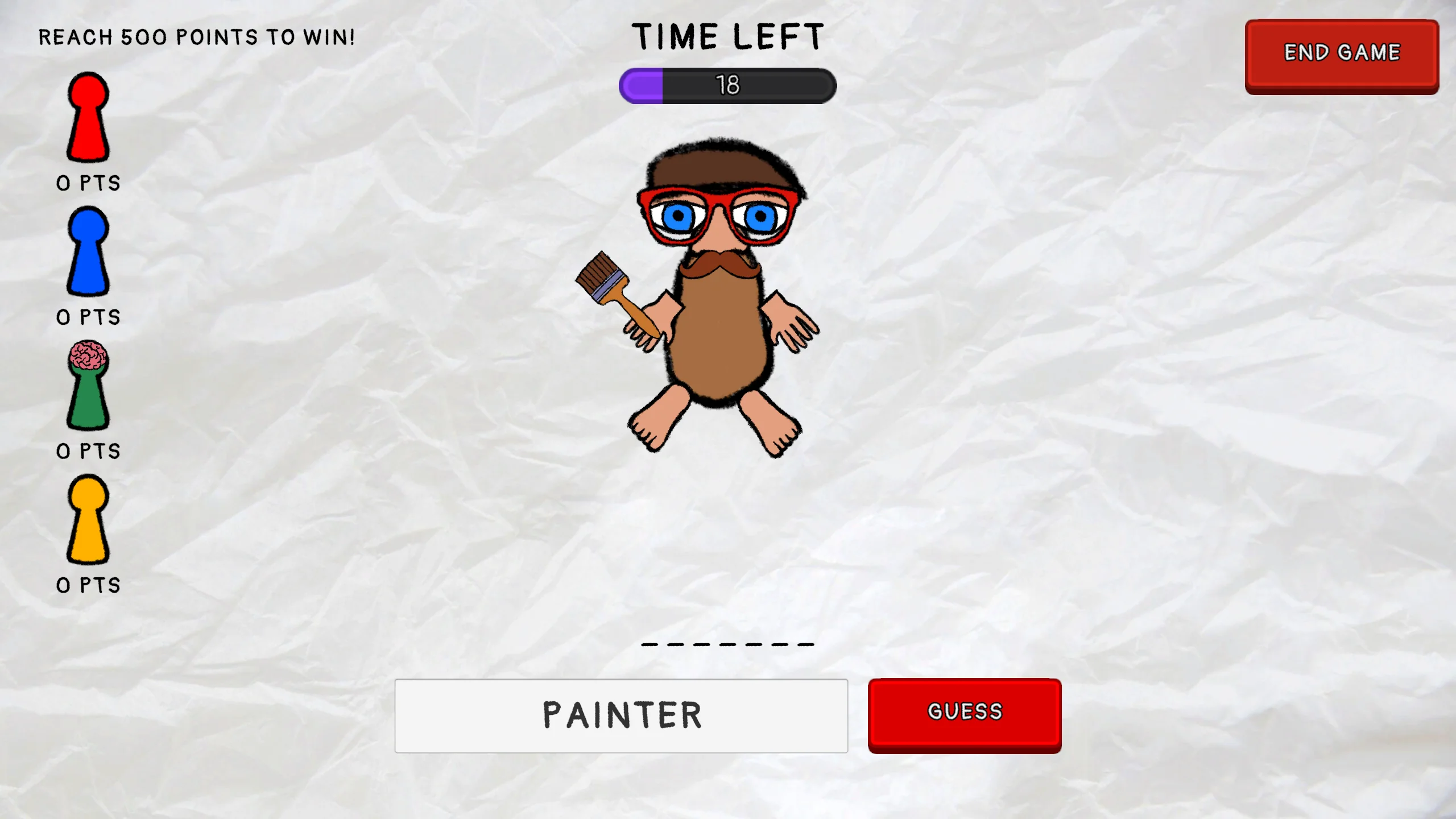
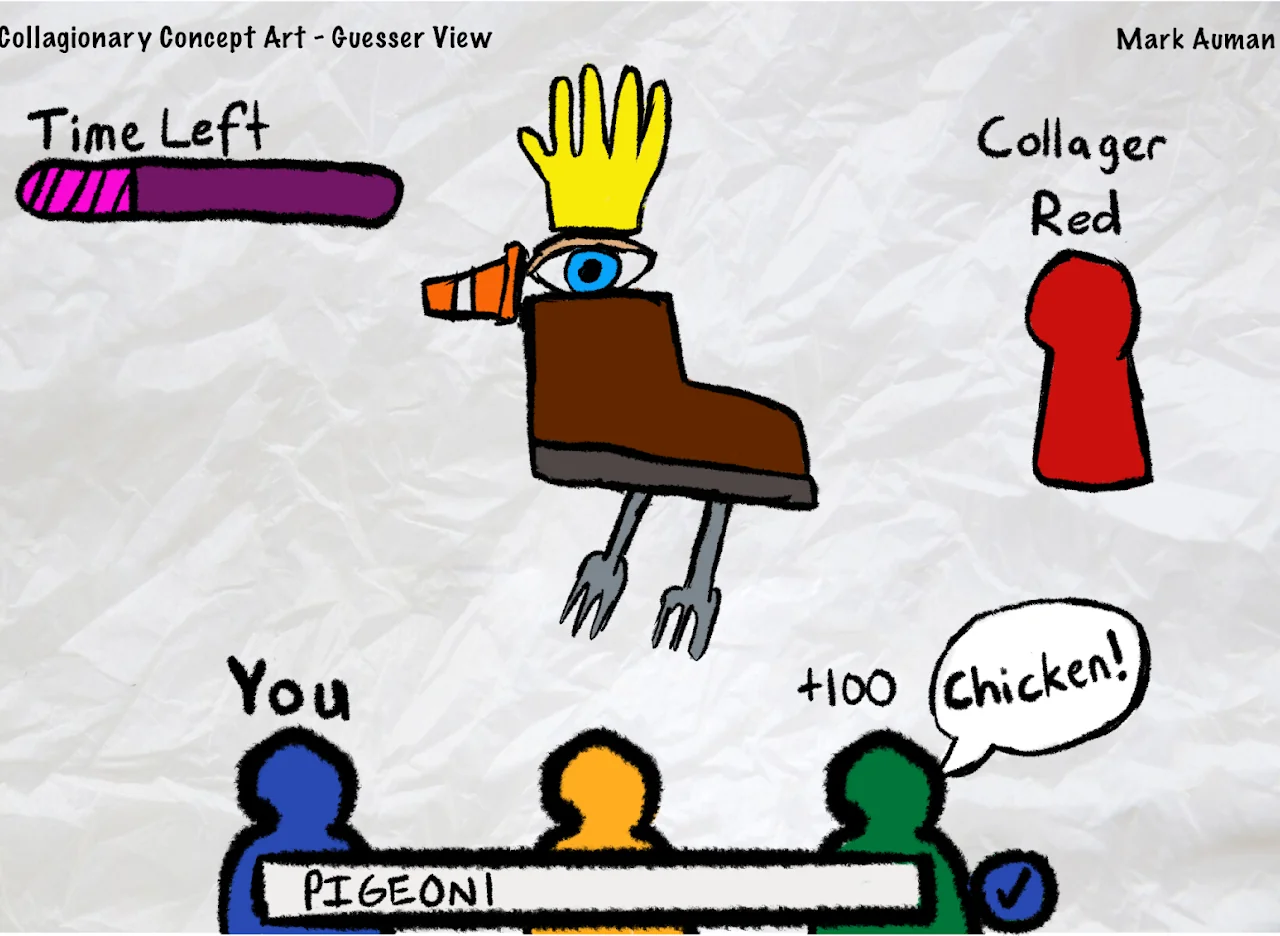
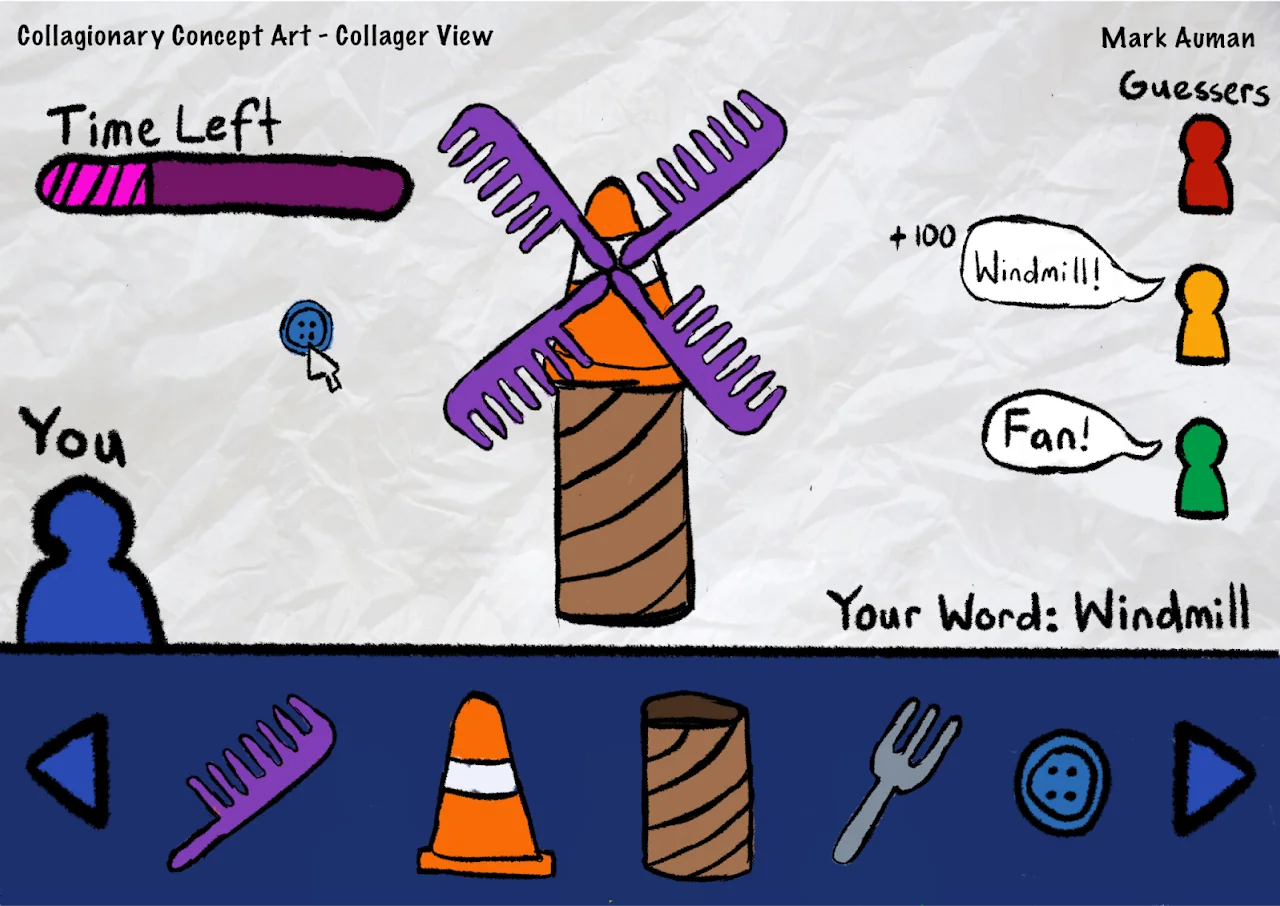
Collagionary is a social multiplayer game built around a simple but compelling premise: players form groups, take turns assembling collages from a library of collage pieces, and then everyone else tries to guess what word or concept the collage represents.
The game rewards both artistic creativity and lateral thinking. Making a recognisable collage requires good visual communication; guessing correctly requires understanding how others think. Points are awarded for both successful creations and accurate guesses.
As a solo project, I handled all aspects - the game design, the programming (including the real-time multiplayer networking), the UI design, and the art assets. It was a significant undertaking and one of my most complete shipped projects.
My Process
Context & Goals
Collagionary was developed as the final project for IGB400: Game Studio 3 at QUT, where students were tasked with conceptualising a project to fill a gap in their skill set and better position themselves for opportunities in the games industry post-graduation.
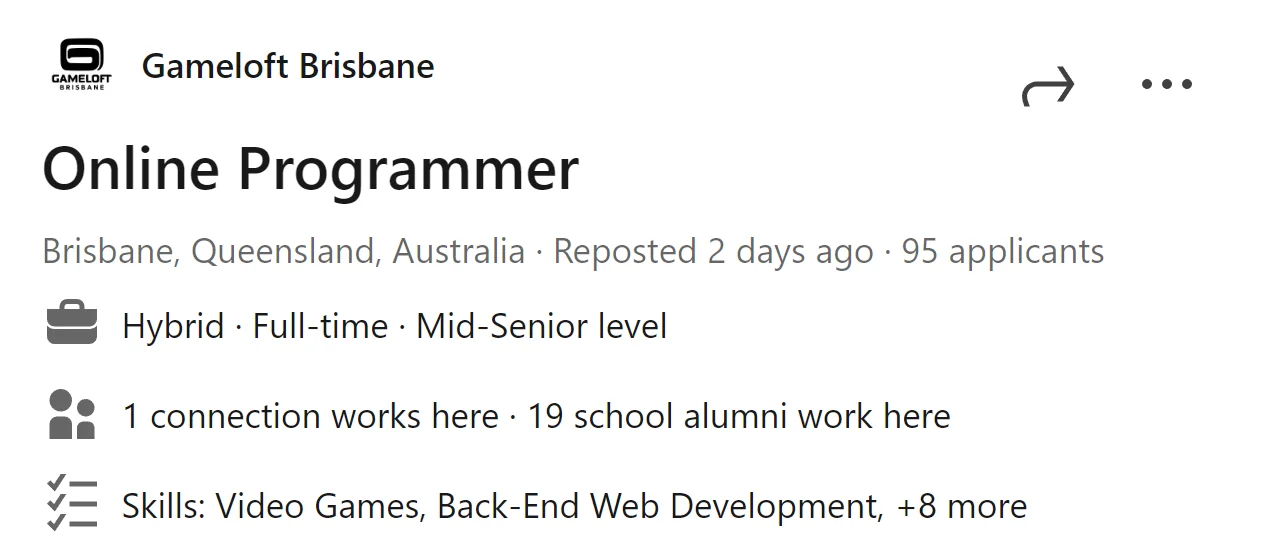
I created Collagionary to fulfil three goals: fill a gap in my skill set around multiplayer game development and networking; publish a polished portfolio project showcasing that experience; and better position myself when applying to local game studios such as Gameloft and Playside, both of which had shown demand for multiplayer and online systems experience - an area none of my previous projects had touched.
Scope & Technical Considerations
With zero prior experience in multiplayer development and a fixed unit timeline, scope had to be managed carefully. My first decision was choosing a foundation for the networking - I landed on Unity Netcode for GameObjects and its Relay service. Being first-party Unity packages, they guaranteed engine compatibility and ongoing support.
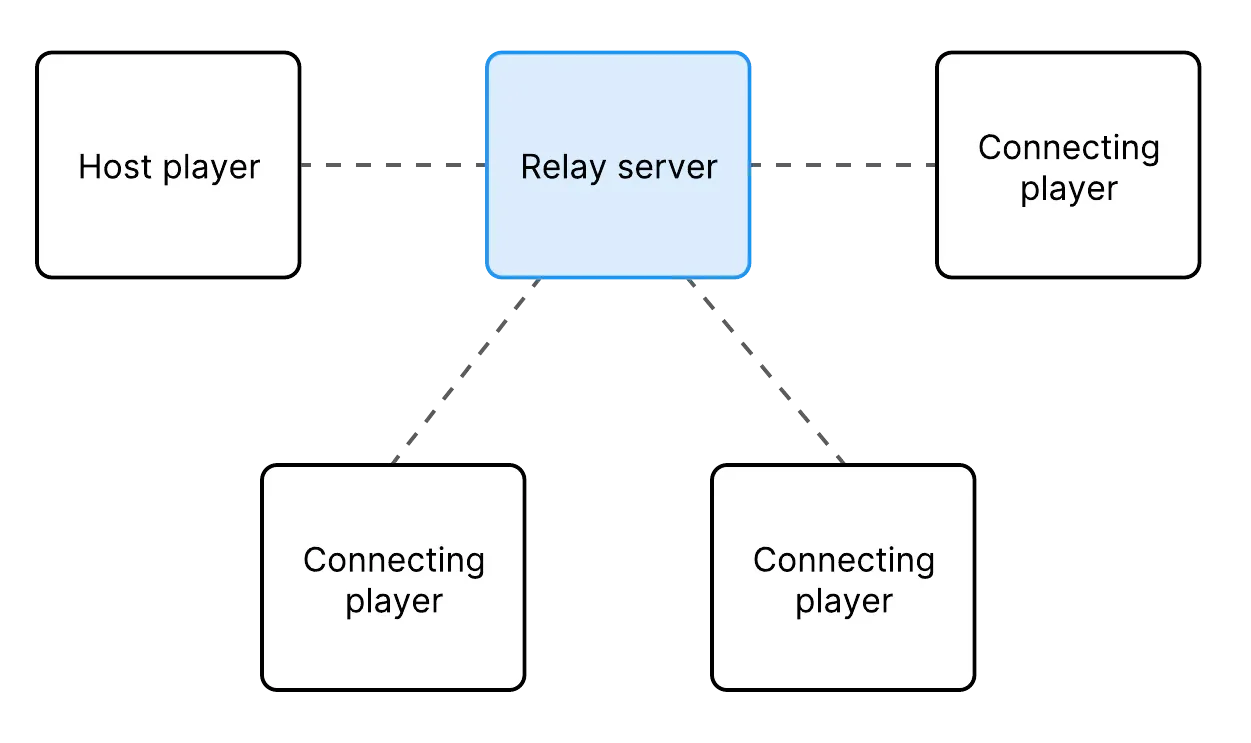
The caveat was that Unity Relay uses a peer-to-peer relay server model, which is more susceptible to data desynchronisation than a dedicated server model. This made a fast-paced, real-time multiplayer game less feasible - so Collagionary was deliberately designed around this constraint. Only one player makes a collage at any given time; the data shared over the network is minimal (collage piece properties like sprite and transform); and other players only submit string guesses. The slow-paced, turn-based structure was a direct response to the technical setup.
What I Learned & Core Outcomes
One of the biggest early challenges was understanding the host/client model. Because the host acts as both a player and the server managing game state, I had to carefully consider which functionality belonged exclusively to the host and which needed to be shared across all clients - something entirely new compared to my previous projects.
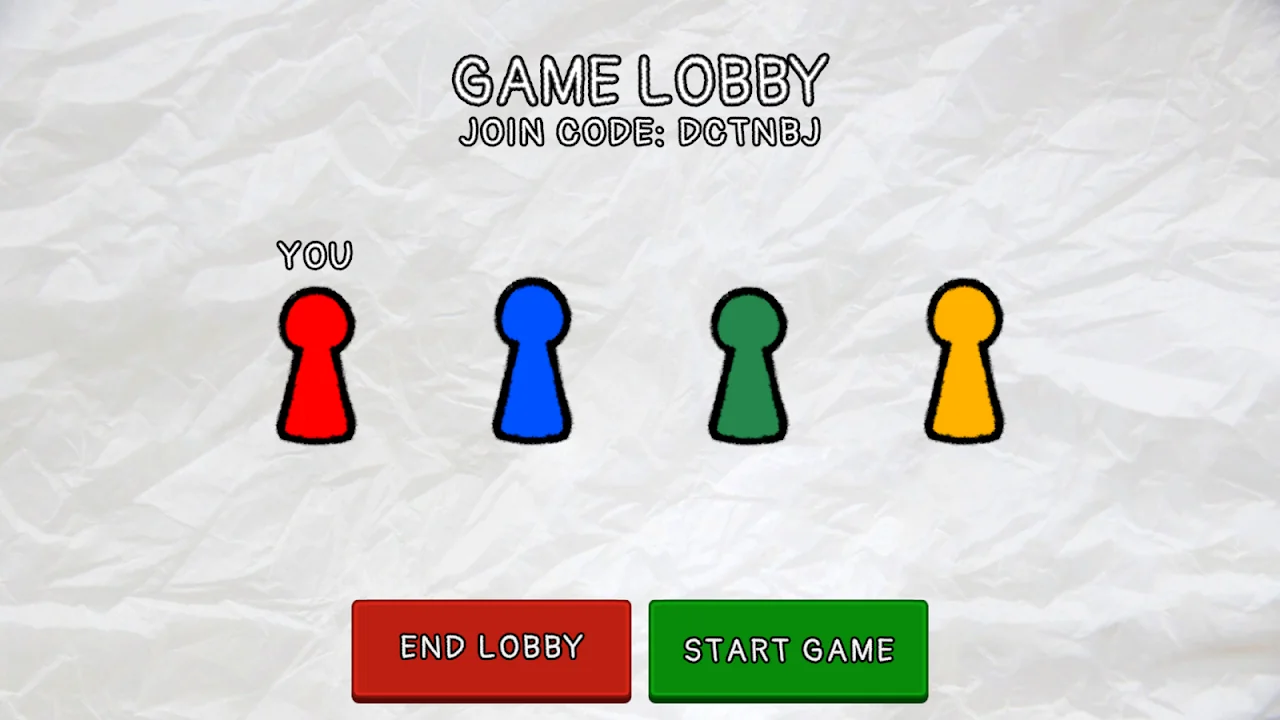
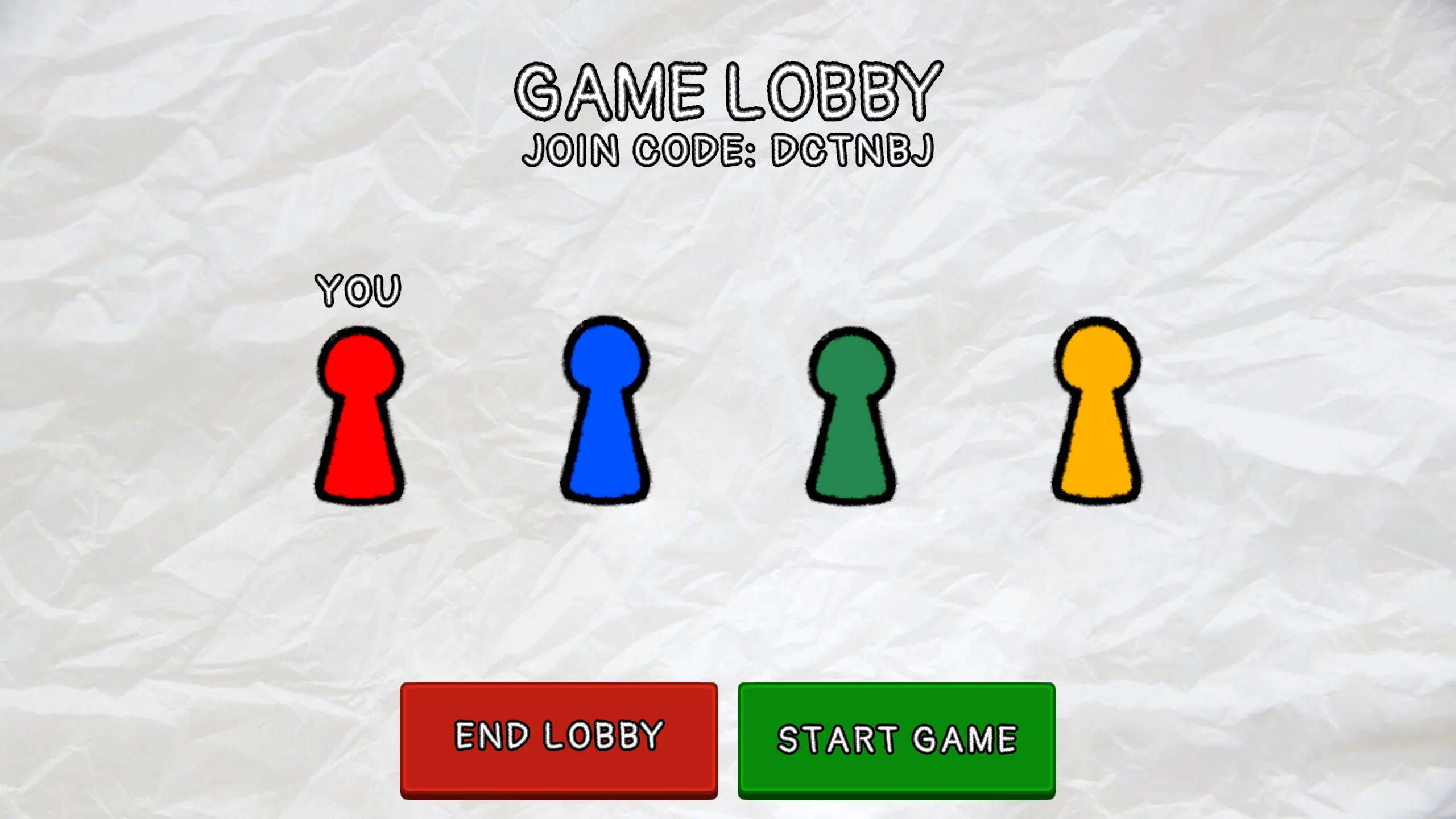
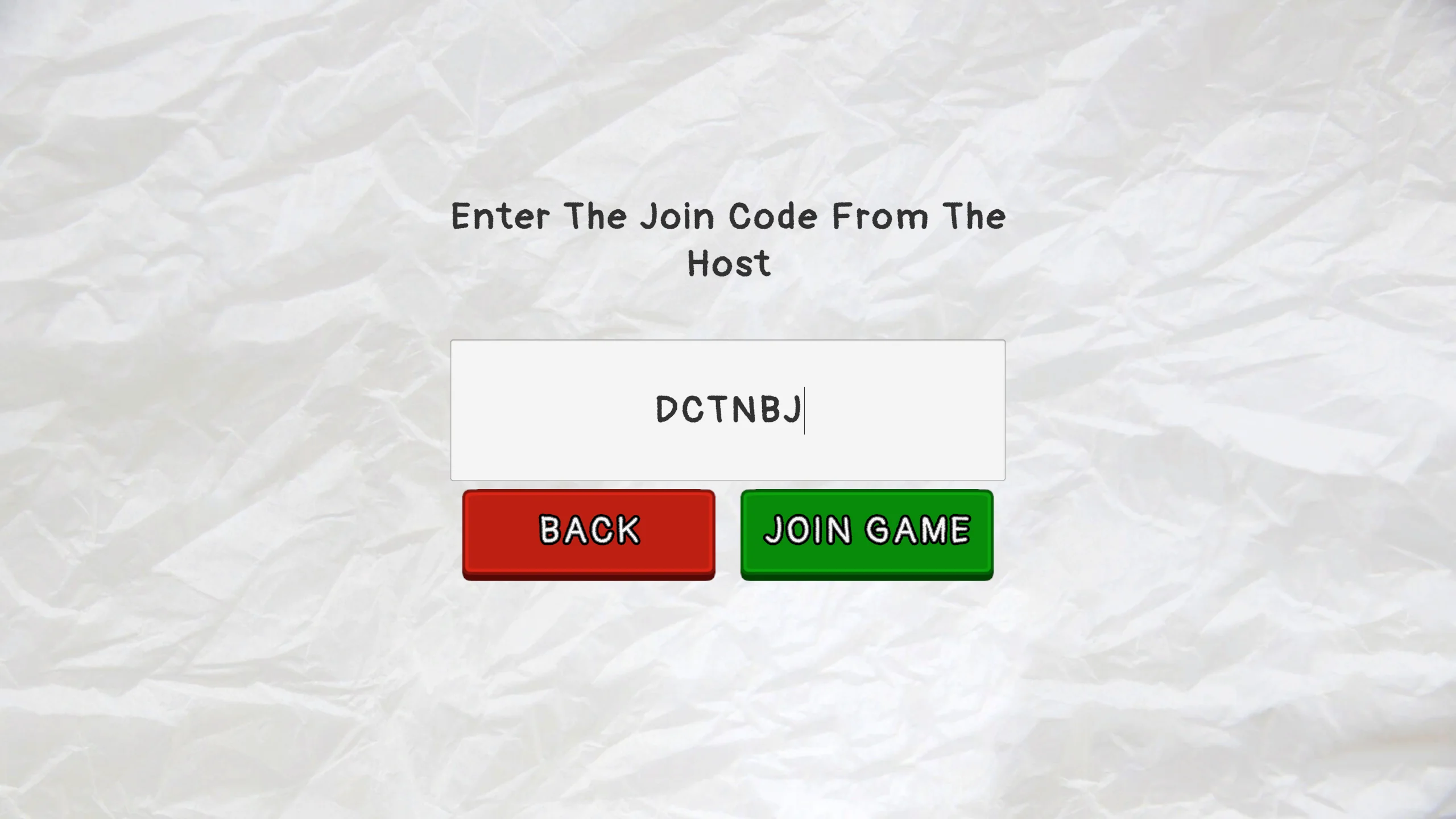
The first place I tackled this was the lobby system. Rather than using Unity's own Lobby matchmaking service (which handles session discovery), I kept Relay's code-based joining and built my own lobby logic: assigning player numbers and colours on the host, then propagating that information to clients. This design philosophy - set state on the host, propagate to clients - extended to nearly every piece of shared information in the game.
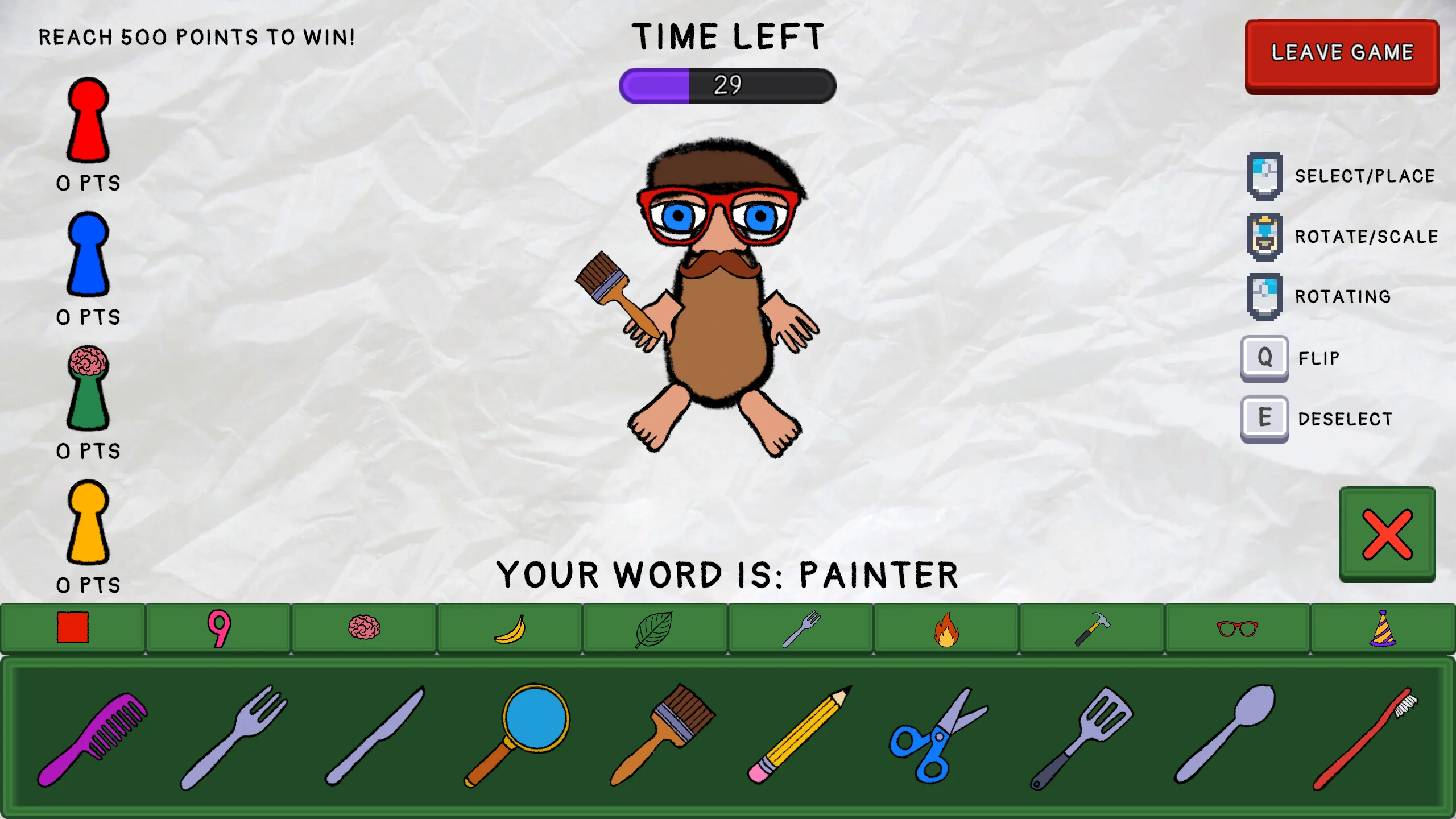
Through this project I gained an introduction into the core principle of multiplayer development: achieving synchronisation of game state between clients while sending as little data across the network as possible. While Unity Netcode and Relay provided a strong foundation, considerable additional setup was still required to tailor these systems to my specific use case.
Network Variables
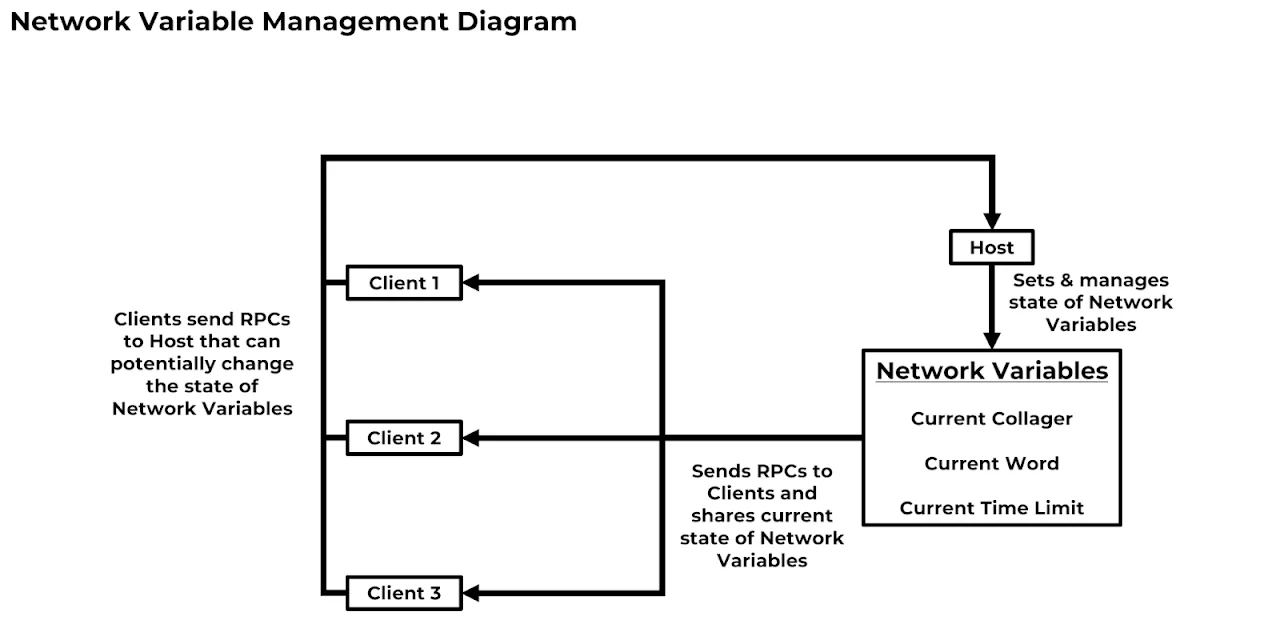
Game state synchronisation manifested in two ways: network variables and remote procedure calls. Network variables are held on networked game objects and automatically reflect any host-side changes across all clients - guaranteeing that information constantly needed by both parties stays in sync. In Collagionary, network variables track who is currently collaging, what the current word is, and the round timer. When the host updates these values in response to client RPCs, the changes propagate automatically to all connected clients.
Remote Procedure Calls
Not all information needs to be continuously synced - and unnecessary persistent network variables increase traffic and the chance of desynchronisation. Remote procedure calls (RPCs) let the host and clients request that functions be executed on other instances of the game, enabling one-time synchronisation events without adding to the persistent state load.
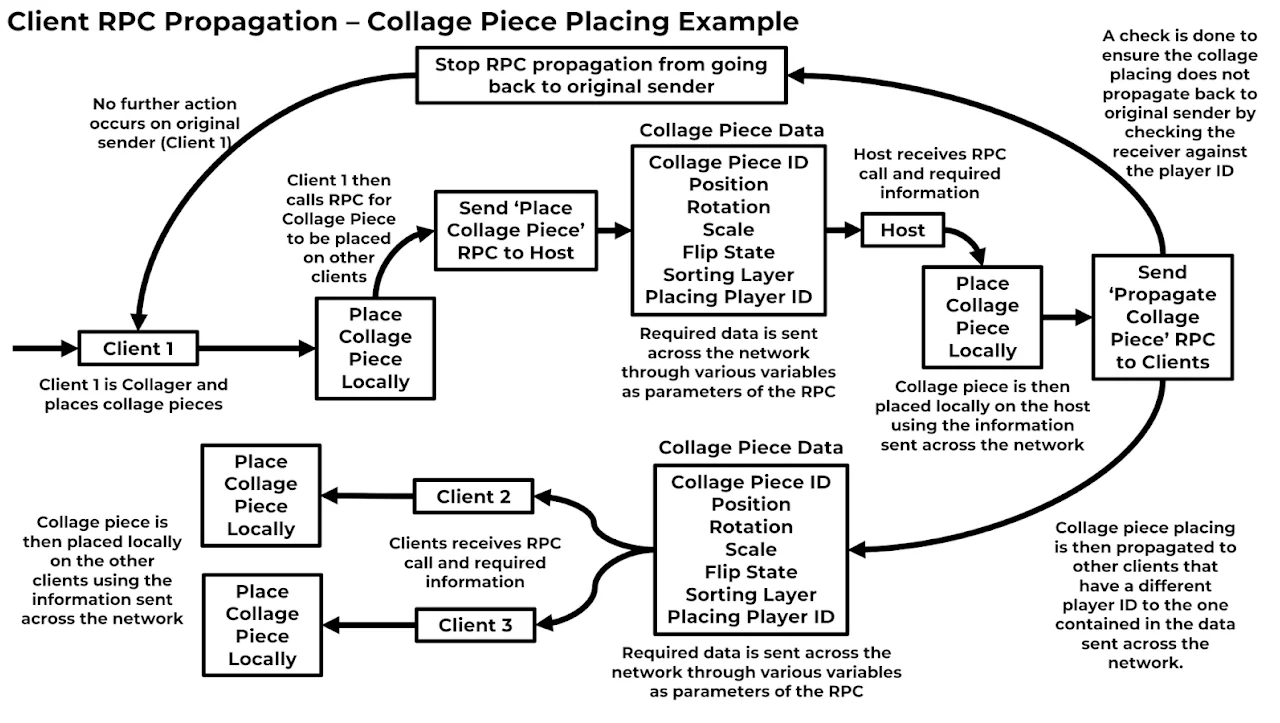
A clear example is collage piece placement. When a client places a piece, they do so locally and then send the placement data to the host via RPC. The host places the piece locally and forwards the data to all remaining clients via another RPC, which each client uses to place the piece on their own instance. The same pattern was applied to round start/end events and point display - ensuring real-time synchronisation without inflating the set of network variables the game had to maintain.